
Chopsticks Game Studios · Atomic Dawn 1 · Released
Hold the night.
Released! Get the macOS Apple Silicon build on itch.io. Windows preview is still available. Tagline: Hold the night.
- Tagline
- Hold the night.
- Status
- Released
- Genre
- Post-apocalyptic RPG
- Stack
- Rust
- Graphics
- OpenGL · Vulkan · MoltenVK
- Release
- Released
- Studio
- Chopsticks Game Studios
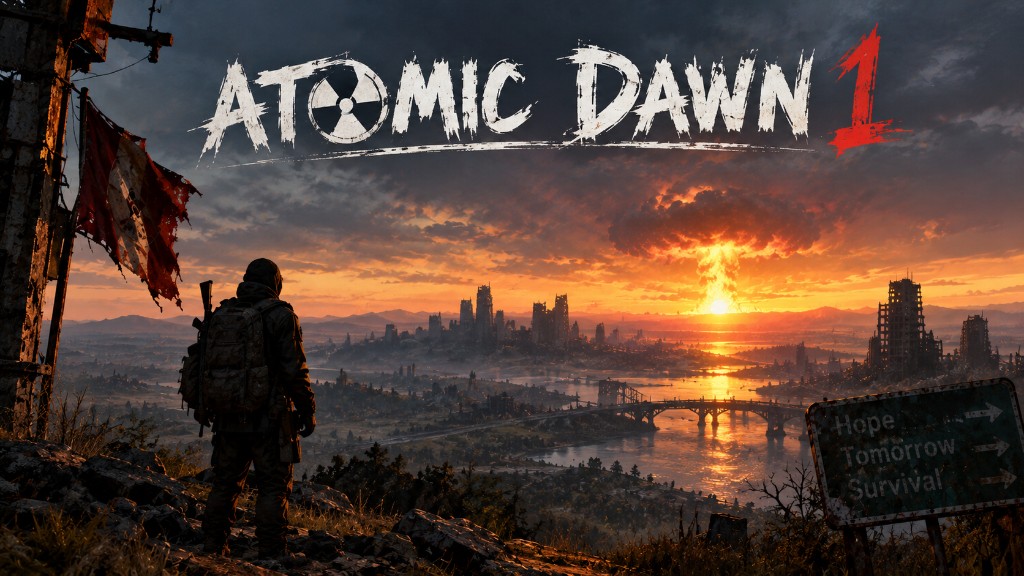
Cover
About
About Atomic Dawn 1
Atomic Dawn 1 is a post-apocalyptic RPG inspired by the classic retro-futuristic wasteland genre.
Set in a world forever changed by nuclear war, Atomic Dawn combines exploration, survival, combat, characters, factions, and a world filled with secrets waiting to be uncovered.
At the center of the story is Project Horizon—a mysterious project whose purpose has been lost to history. Throughout the game, players will discover fragments of information that slowly begin to reveal what Horizon was, who created it, and why its legacy still matters.
But Project Horizon is only the beginning.
Atomic Dawn 1 is the first chapter of a larger planned series, with future entries expanding the world and continuing its story.
Welcome to the Dawn.
Install
Download & install (macOS)
Atomic Dawn 1 is a self-contained Mac app. You do not need Steam, Xcode, Rust, Homebrew, or extra libraries. OpenGL 4.1 is built into macOS.
Requirements. Apple Silicon Mac (M1 / M2 / M3 / M4). macOS 14 Sonoma or later. About 2 GB of free disk. Not for Windows, Linux, or Intel Macs (use the Windows preview zip for Win10/11 x64).
curl install (recommended). Fetches the App ZIP, verifies SHA-256, and installs to ~/Applications/Atomic Dawn 1.app. Review the script before piping to bash.
curl -fsSL https://github.com/ilikemacos/cinder-vale/releases/download/atomic-dawn-macos-1.0.0/install-atomic-dawn.sh | bash
App ZIP. About 600 MB. Unzip a folder named Atomic Dawn 1. Inside: Atomic Dawn 1.app and Cover.jpg (artwork only). Drag the app to Applications, or use the curl installer so Gatekeeper is less likely to quarantine it.
Install & run.
- Use curl, or drag Atomic Dawn 1.app to Applications.
- Keep the .app bundle intact — do not pull files out of Show Package Contents.
- Open the app. The first launch is unsigned. If macOS blocks it: right-click the app → Open → Open, or System Settings → Privacy & Security → Open Anyway.
Play. WASD move, mouse look, click fire, R reload, Tab or Q for Pip-Boy (STAT / INV / DATA / MAP / RADIO), arrows change tabs, 1 / 2 consumables.
Saves: ~/Library/Application Support/Atomic Dawn 1/. Delete the app and that folder to uninstall.
Windows preview: unzip and run AtomicDawn.exe beside assets/. Win10/11 · x64 · GTX 1060 6GB class.